Showing posts with label Recurring integration scheduler(RIS). Show all posts

Thursday, October 17, 2024

Importing Through Recurring integration scheduler for D365Fo

 Scenario:- In this blog we see sample import integration through recurring by using Recurring integration scheduler for D365 FO.

Step1:-Create a data project in D365fo and set recurring batch job as shown in figure

Step2:-Open Ris application click on Add job and choose import or export either recurring or package as shown in figure below  in my case I am going with recurring import

Step3:-In upload job overview give name of the job and next in upload job details choose data poject as shown in below

Step4:-Ste upload job recurrence and give connection details as shown in below

Step5:- Once you setup all details you can see job added 

Step6:-Drop the file in input folder

Step7:-Go to D365fo and check for new records


similarly you can do exporting as well and also importing and exporting through Package Api also


Thank you!!


Wednesday, October 16, 2024

Recurring Integrations Scheduler For D365 FO Installation and setup

Scenario :- In this blog we see how to install Recurring Integrations Scheduler(RIS) For D365 FO.

What is Recurring Integrations Scheduler For D365 FO?

Ans:- This is one of the procedures to achieve integrations with D365FO . 

Architecture :-


Installation:-

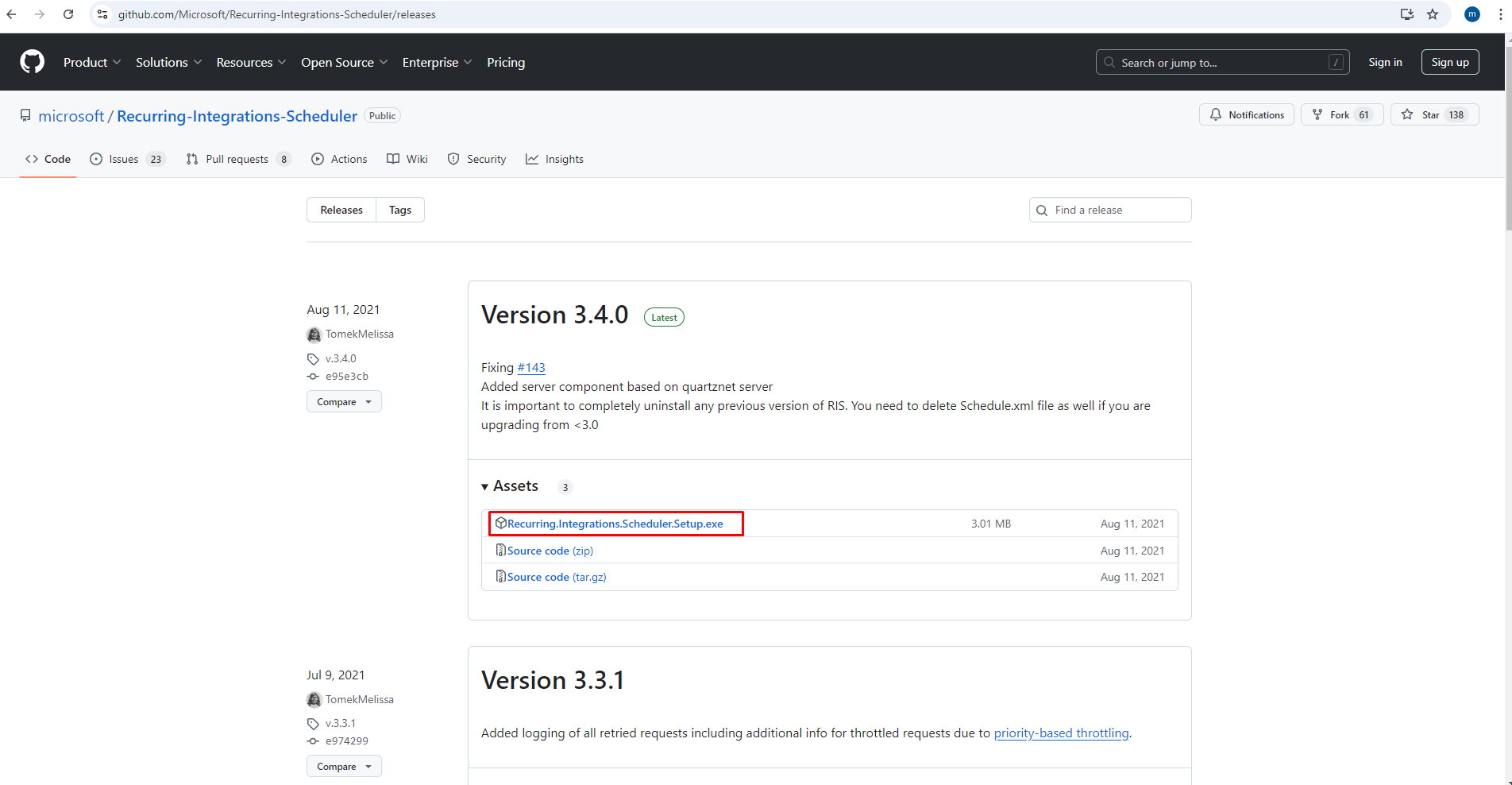
Step1:-I have downloaded this tool from GitHub link below

https://github.com/Microsoft/Recurring-Integrations-Scheduler/releases

Step2:-Once you download you can see file as shown in below

Step3:-After that click on the Package 


Step4:-Click on the install and finish as shown in below


Step5:-This application can be seen on location as shown in below


Step6:-Click on with administrator as shown in below

Step7:-Once you open the application UI can be seen as below

Step9:-Once you click on the parameters you can see D365fo details;Azure;Datajobs information

This is installation and set up of Recurring integration scheduler for D365FO.

Import and export can bee seen in further blogs

Thank you

Reference :-https://github.com/Microsoft/Recurring-Integrations-Scheduler/wiki


Get enumvalues through sql

 Generally in AOT sometimes we can not see tthe basenum values in properties so here is the query which helps  SELECT     EIT.NAME AS EnumNa...